
Screenbucket
Your screenshots live in the notch.
- Mac App Store (link coming soon)
- Support
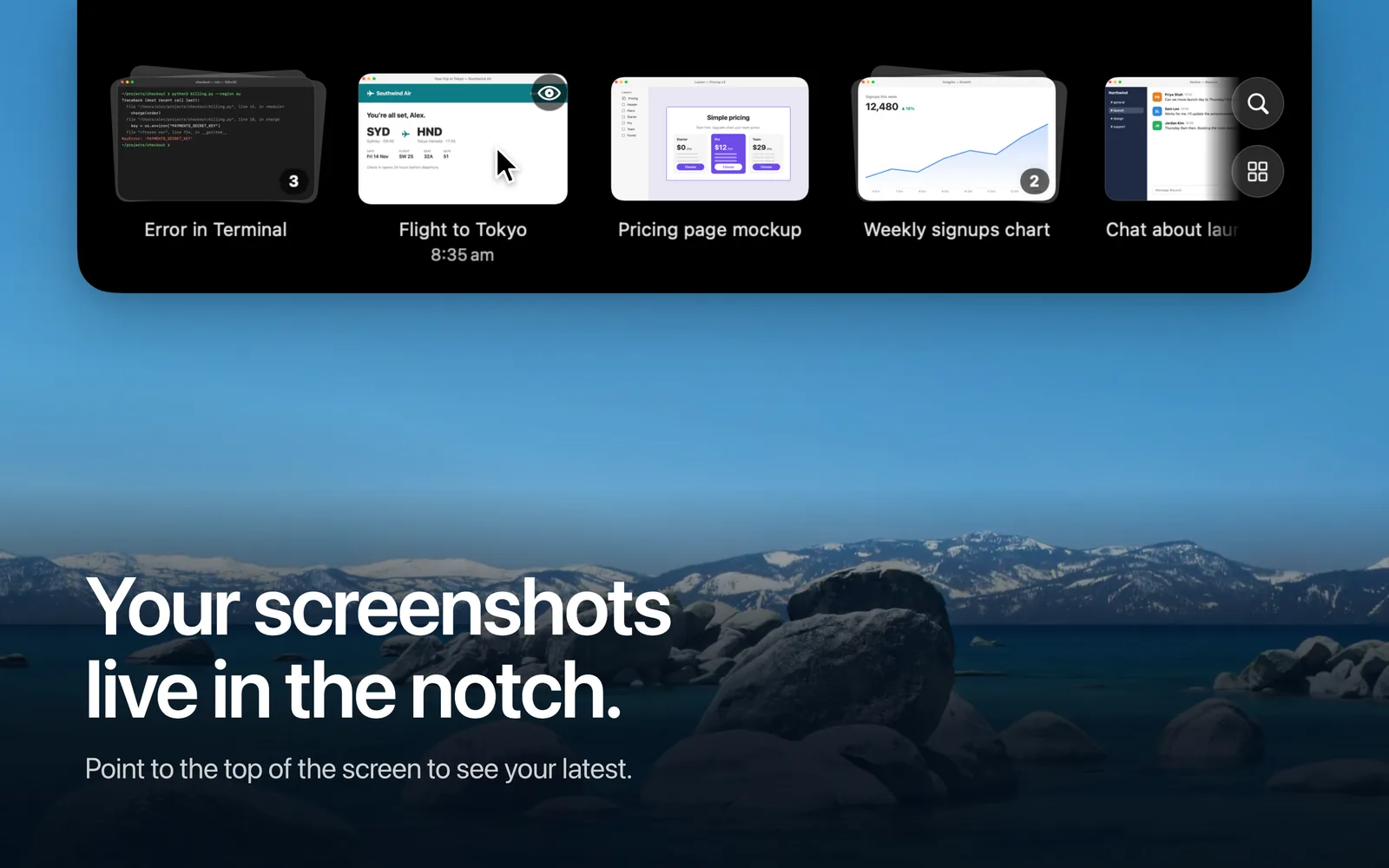
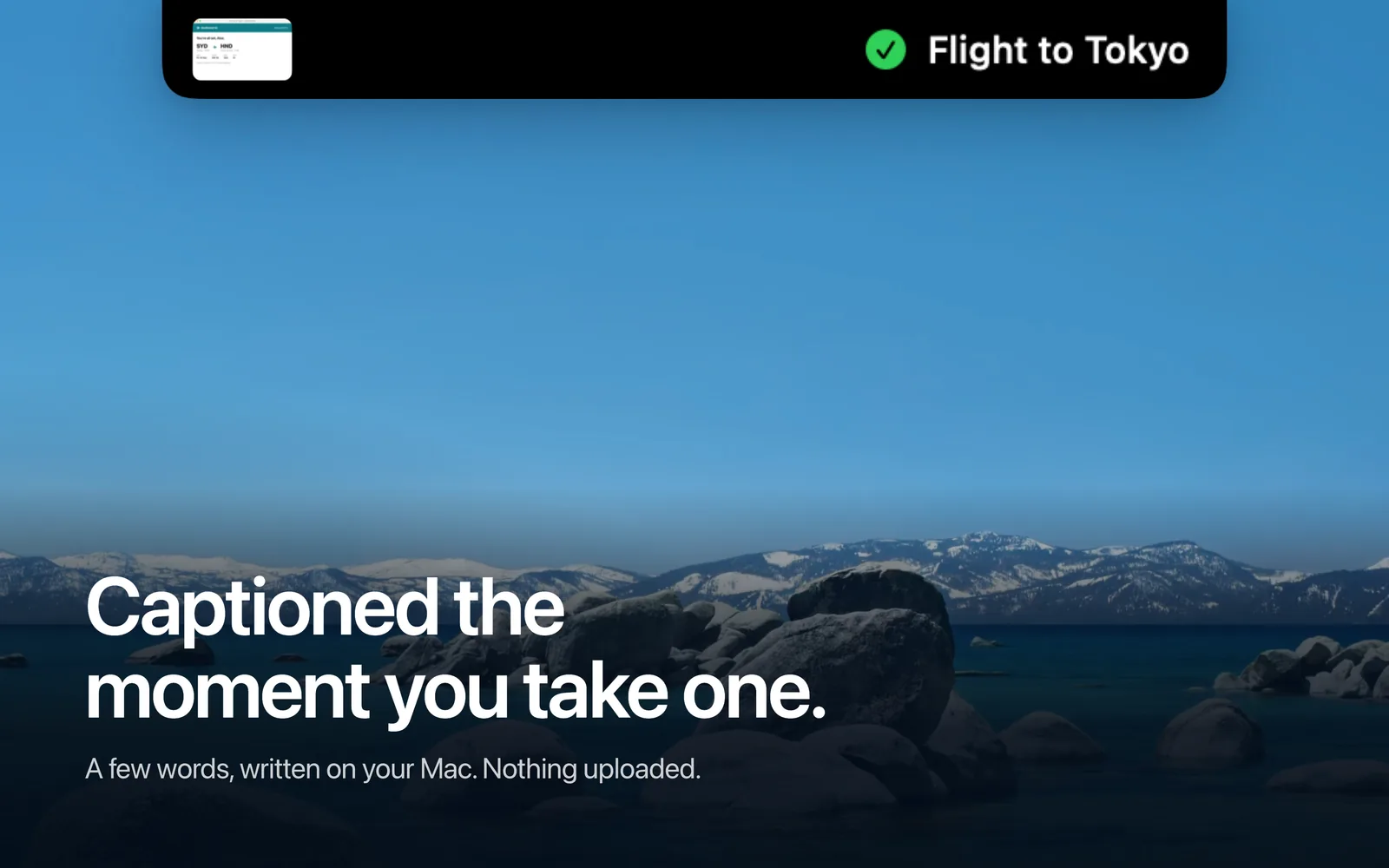
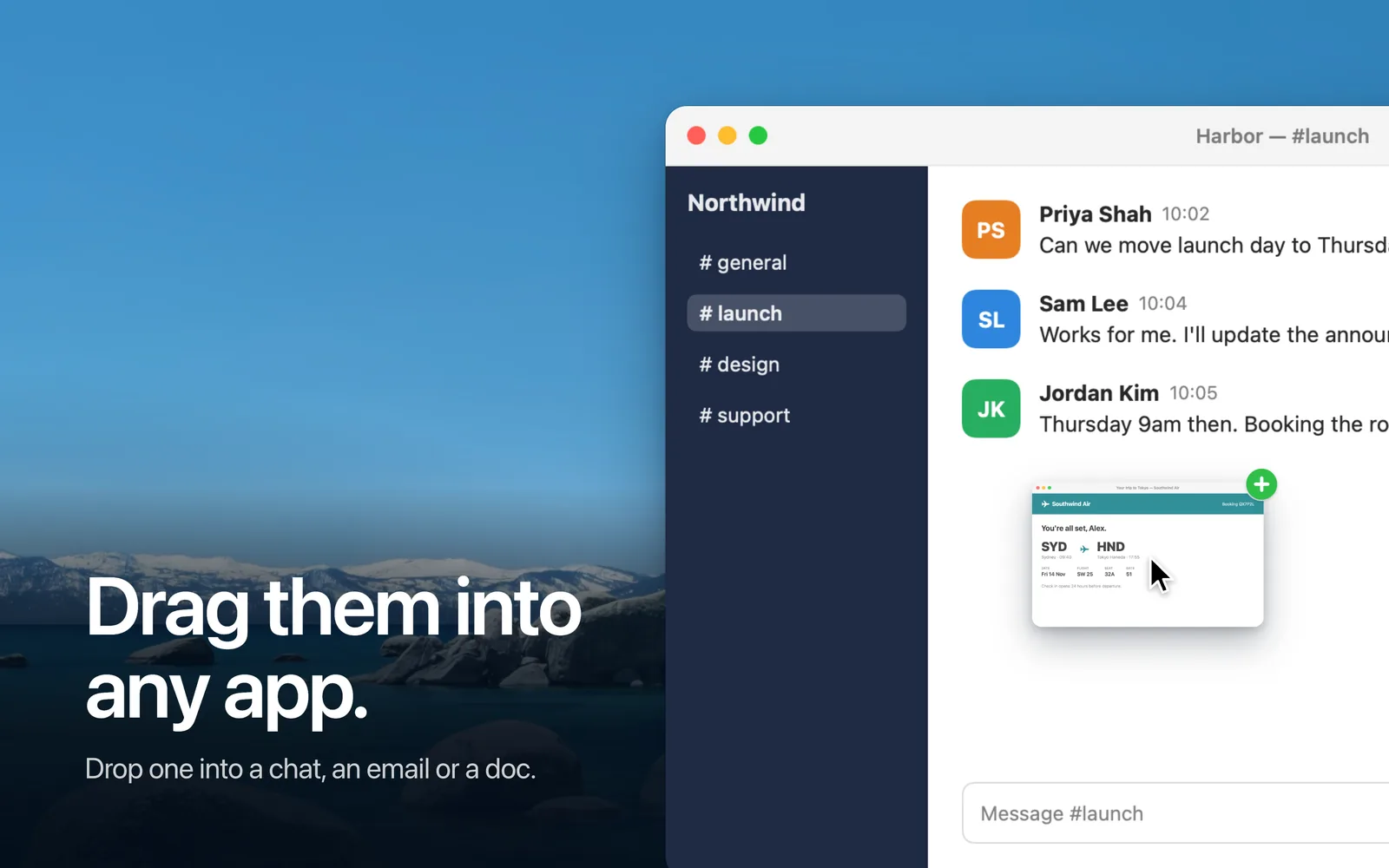
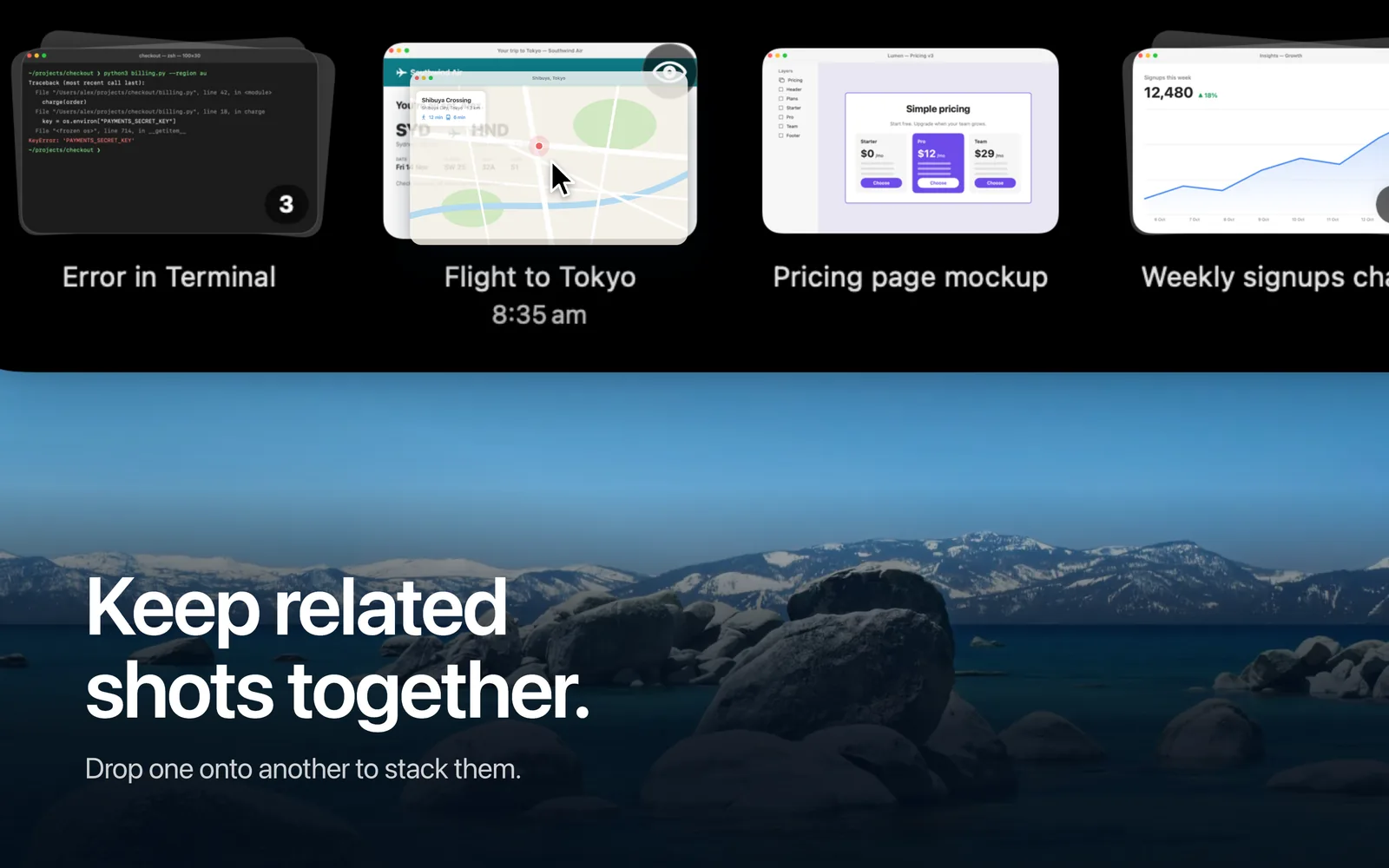
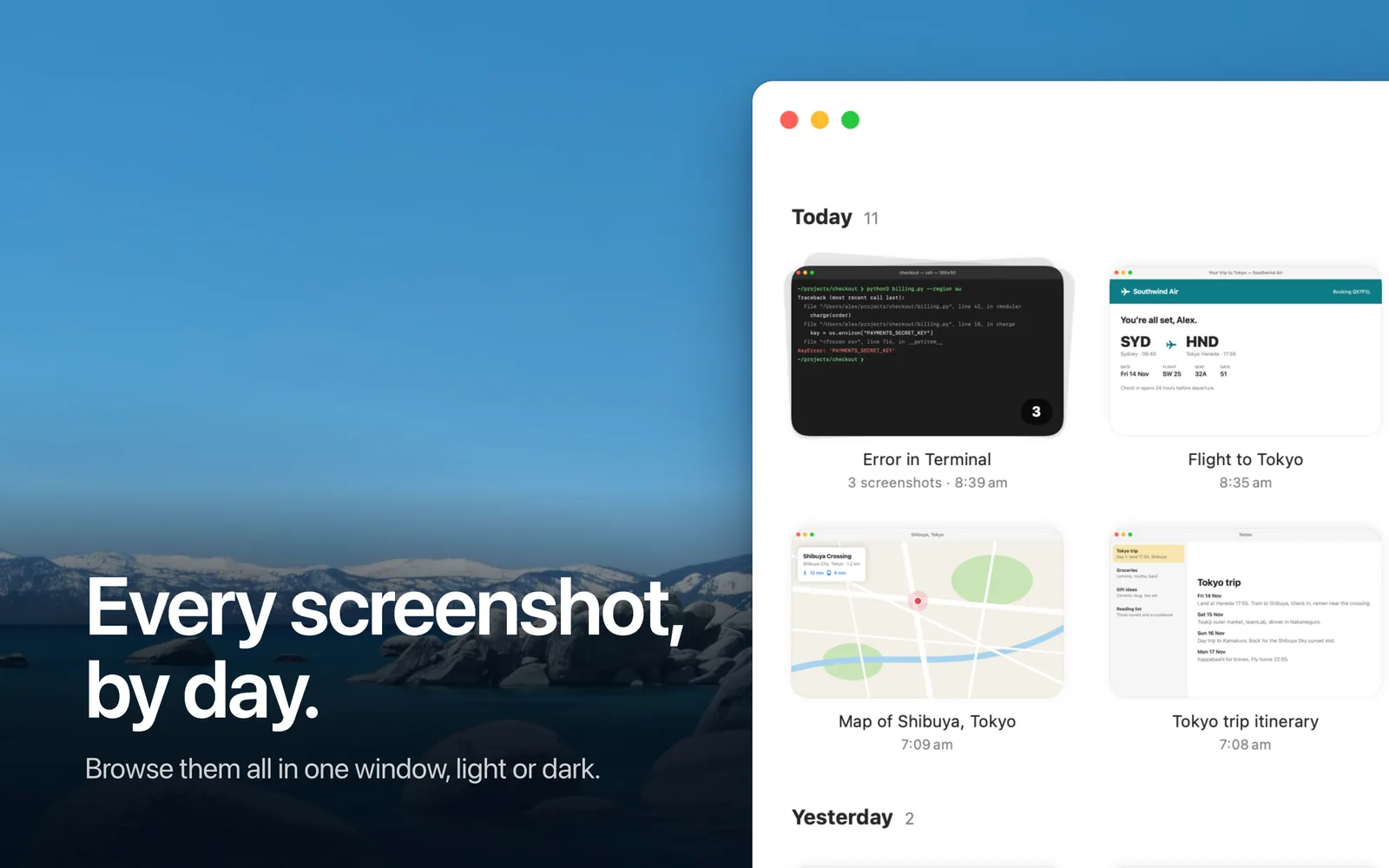
Screenbucket is a menu bar app that finds every screenshot you take, reads it, captions it in a few words and makes it searchable. Point at the top of the screen and a shelf grows out of the notch with your latest screenshots, each labelled so you know what you're dragging.
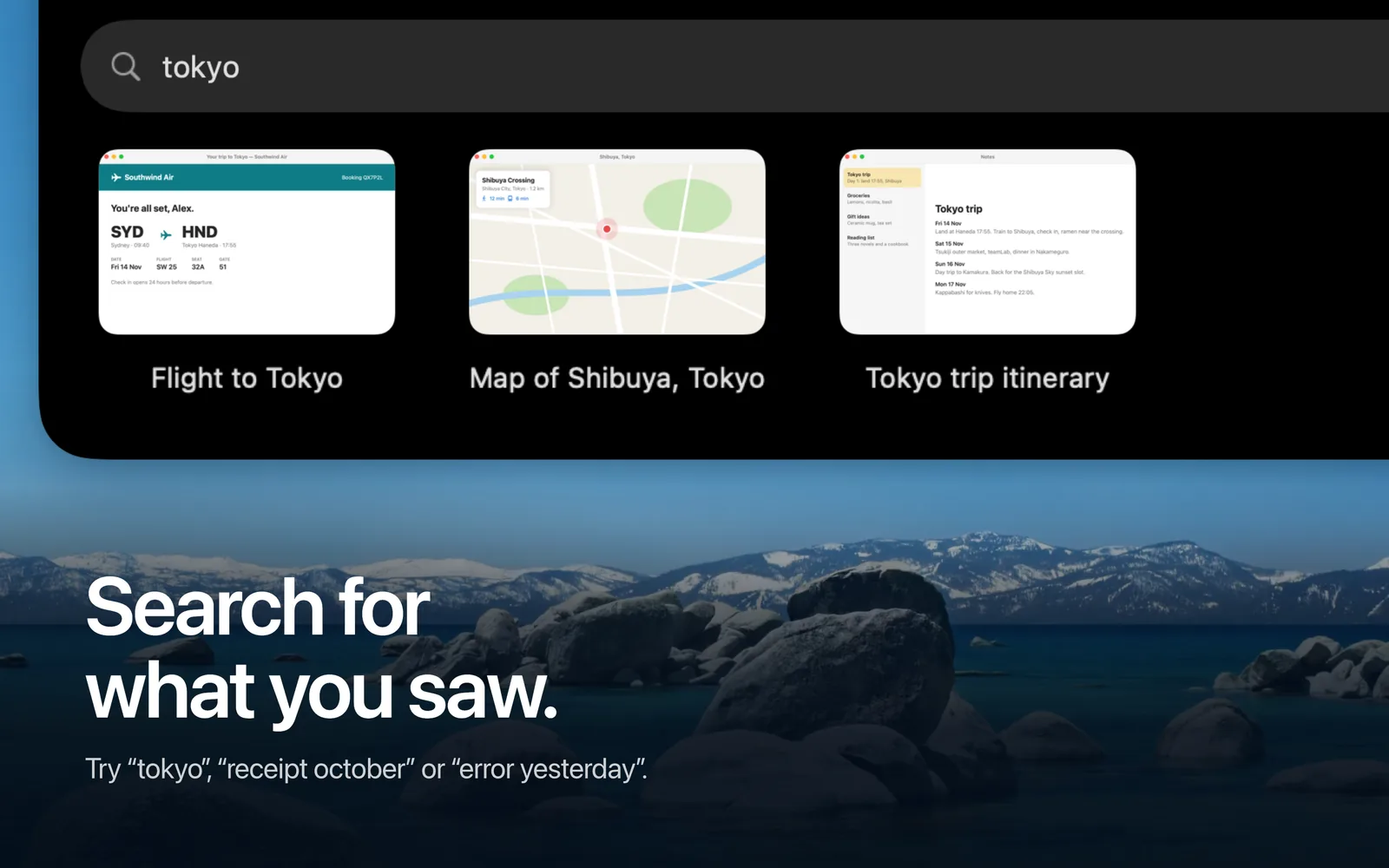
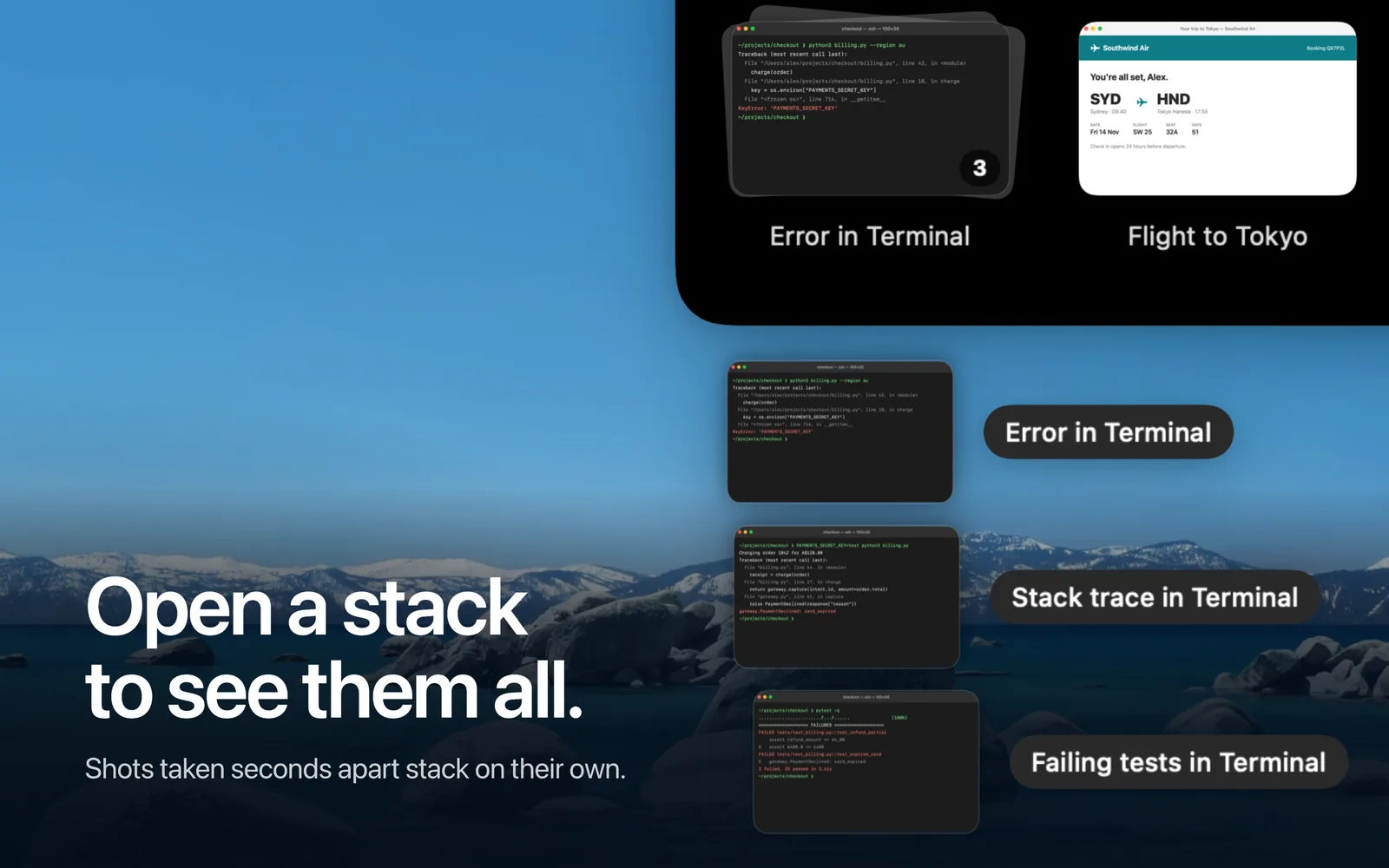
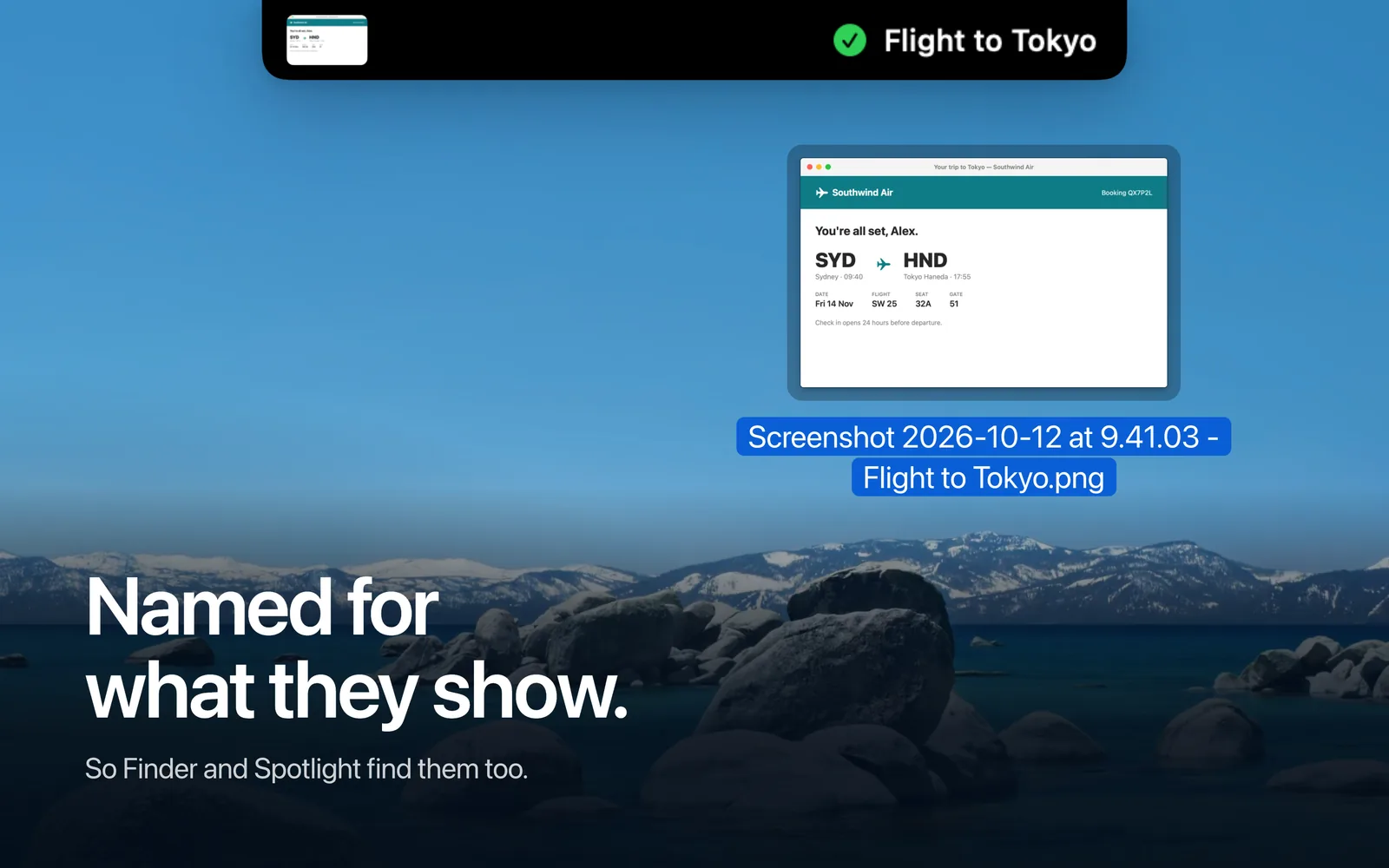
Screenshots taken seconds apart stack together and drag as one. Type while the shelf is open to search by what a screenshot shows, or by when: “receipt october”, “error yesterday”. New screenshots are renamed to match their caption, so Finder and Spotlight find them too.
Everything runs on your Mac. Captions come from an on-device vision model and screen text from Apple's Vision framework. Nothing is uploaded.
Screenshots
Changelog
1.0.1
- Open stacks fan out and fold away more smoothly.
- Scrolling the shelf away from an open stack now closes it, and its labels stay on one side while you scroll.
- Faster with large libraries: quicker search, browsing and startup.
1.0
- First release.