Skip to content
Minh Le
  • WritingPage
  • AppsPage
  • CareerPage
  • Hiding the hard partsWriting
  • Talking in percentagesWriting
  • Categories of hallucinationsWriting
  • Dynamic contextWriting
  • Visual content search should be visualWriting
  • ScreenbucketApp
  • Accordion: Resize to RewriteApp
  • AlexandriaApp
  • LorikeetCareer
  • CanvaCareer
  • PwC AustraliaCareer
  • The U Group & CoCareer
Accordion icon

Accordion: Resize to Rewrite

Notes to prose, sized to fit.

macOSAvailable

macOS 26 or later, Apple silicon, Apple Intelligence turned on

Accordion turns rough notes into a message, an email or a document, and the window's height sets how long it is.

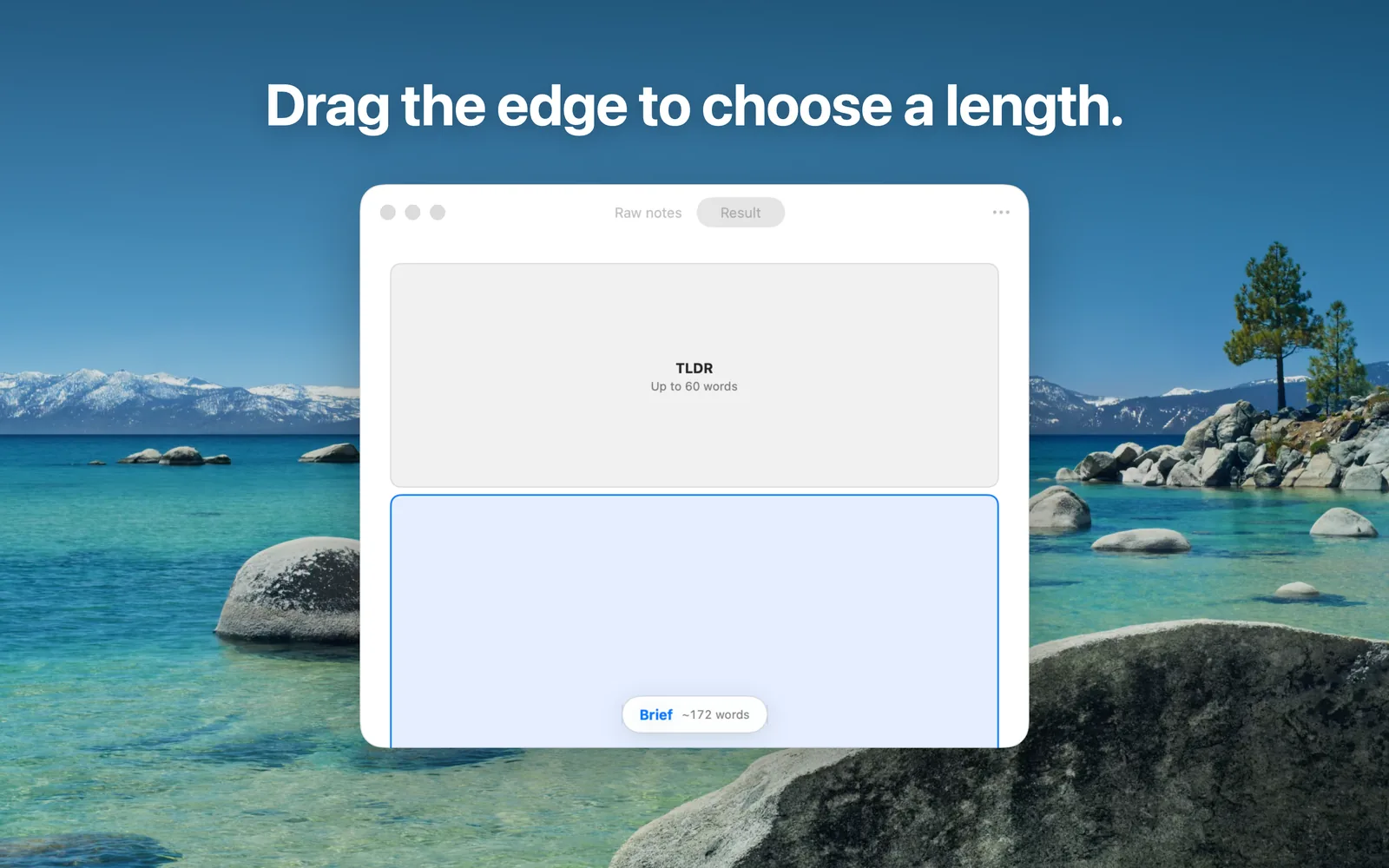
Braindump by typing, pasting or dictating, or drop in a PDF, Word document or image. Then resize the window: short for a two-sentence TLDR, taller for a Brief with the key figures, or tall for a Detailed write-up with the reasoning and supporting data. When you let go, the result is rewritten to fit.

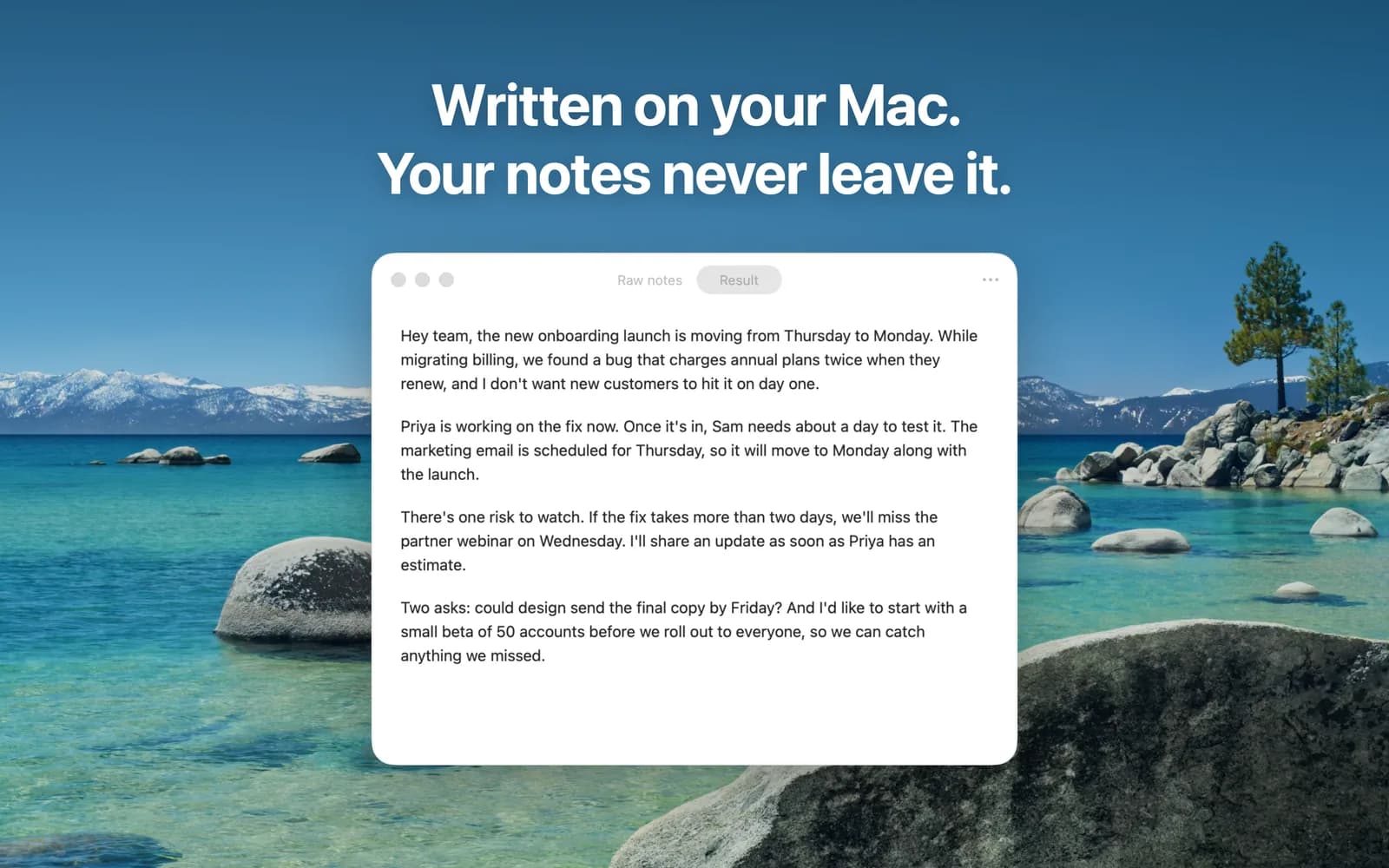
Accordion works out whether your notes are for a chat message, an email or a document, and writes in that shape. Everything is written on your Mac with Apple Intelligence: no account, no subscription and no tracking.

Screenshots
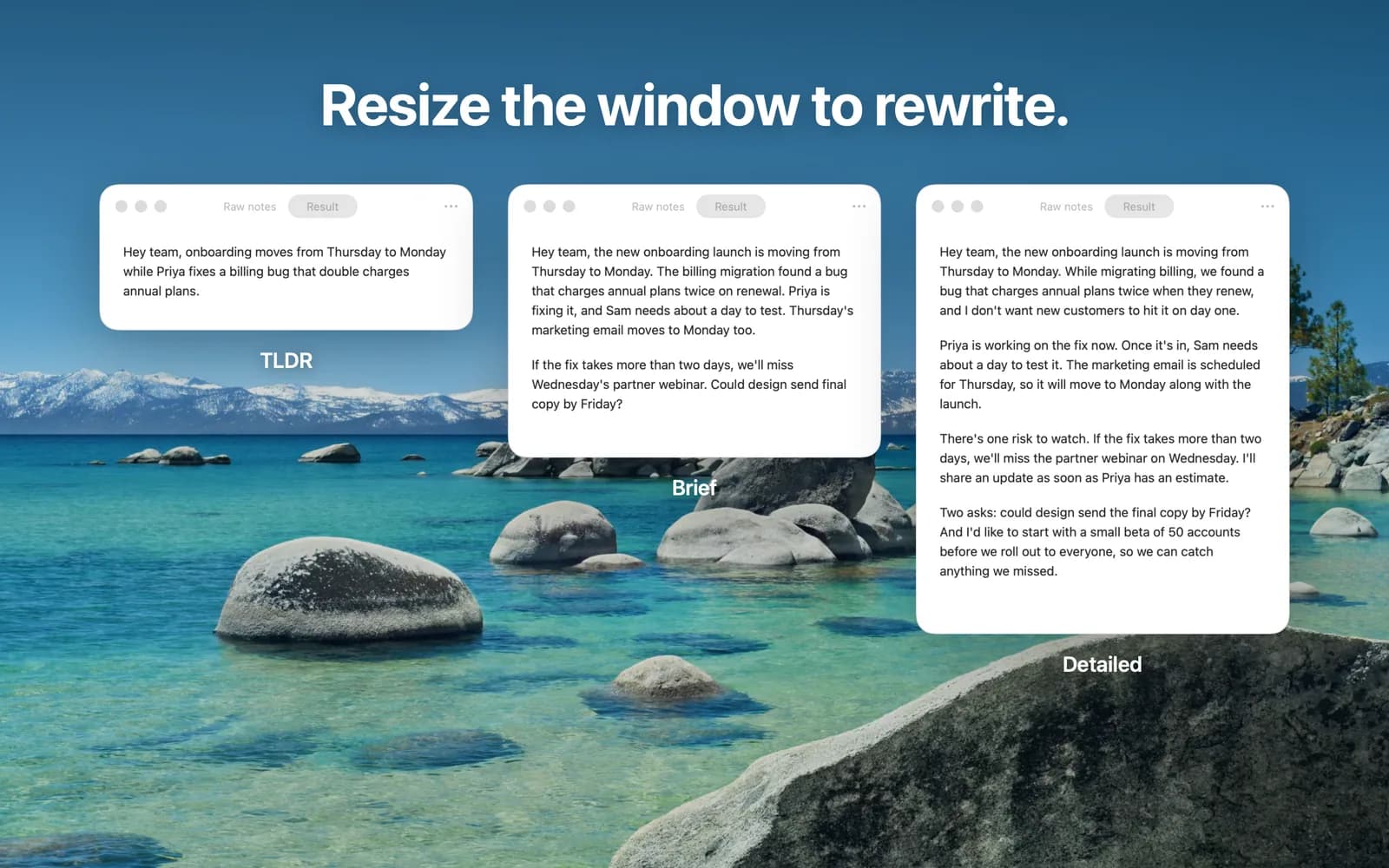
  • The same notes rewritten at three window heights: TLDR, Brief and Detailed.
  • Dragging the window's bottom edge, with a label showing the length it will be rewritten to.
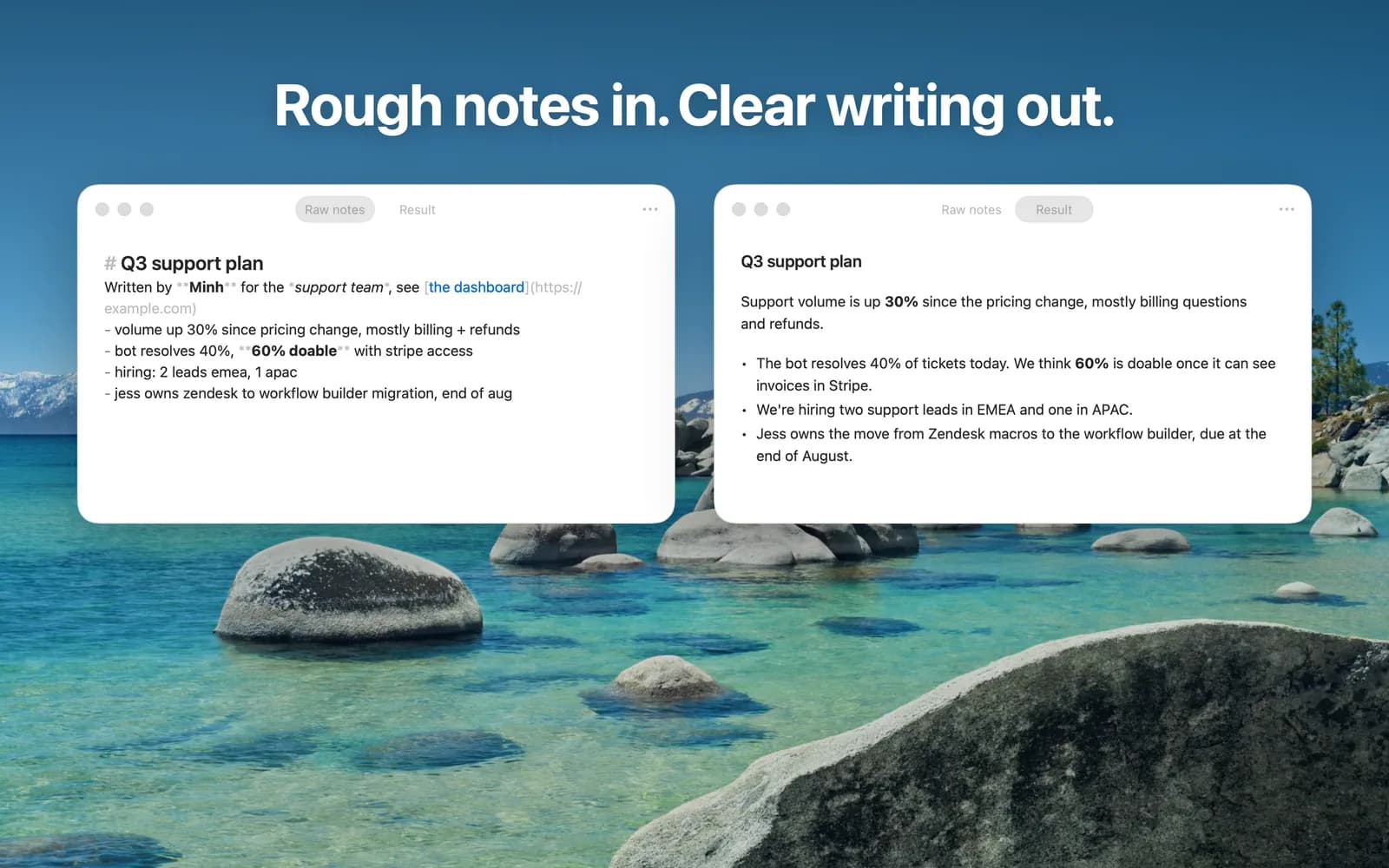
  • Rough Markdown notes on the left and the clear written result on the right.
  • The same notes written as a chat message and as an email with a subject line.
  • A finished rewrite, captioned “Written on your Mac. Your notes never leave it.”

Changelog

  1. 1.0

    • First release.